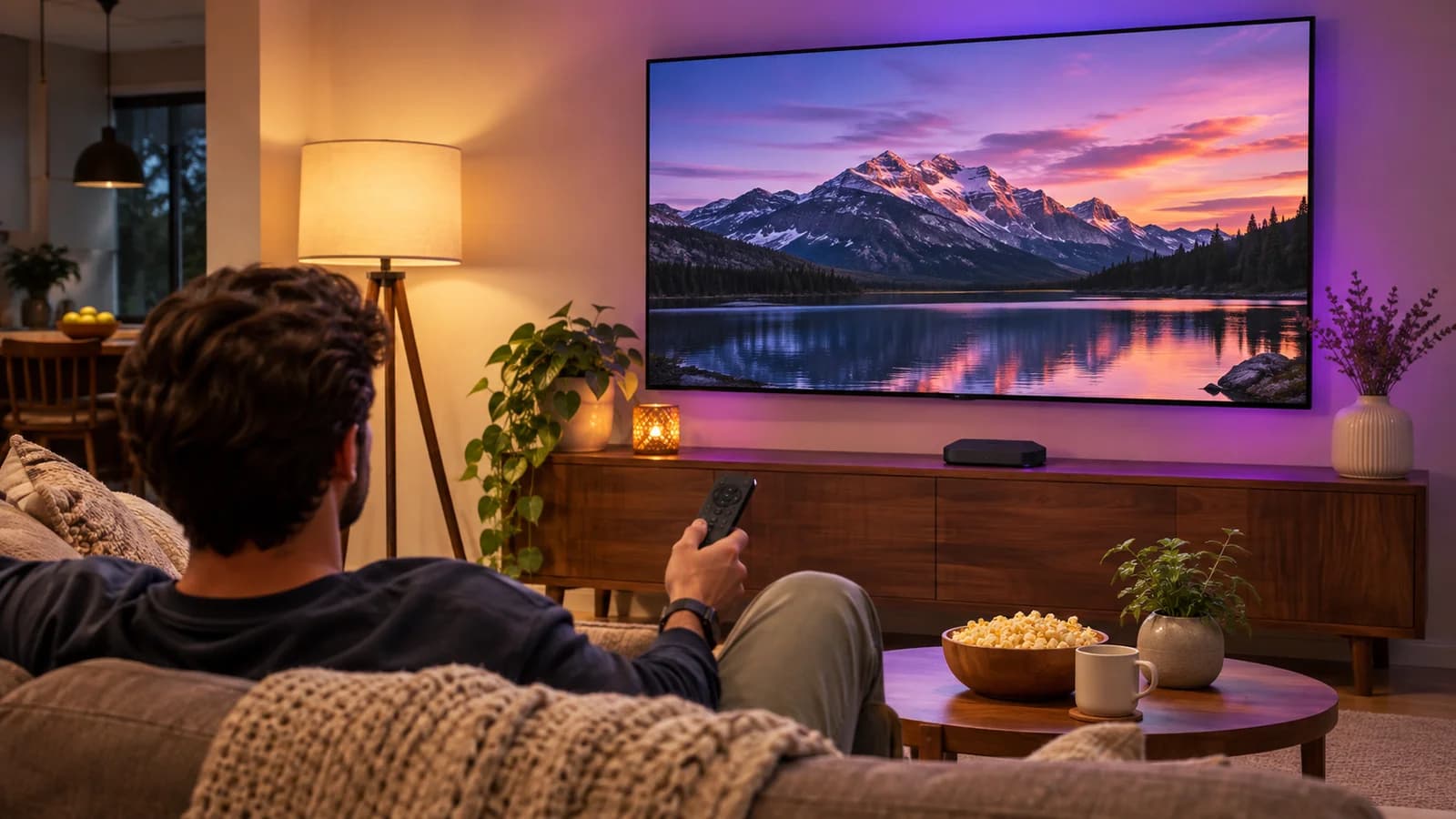
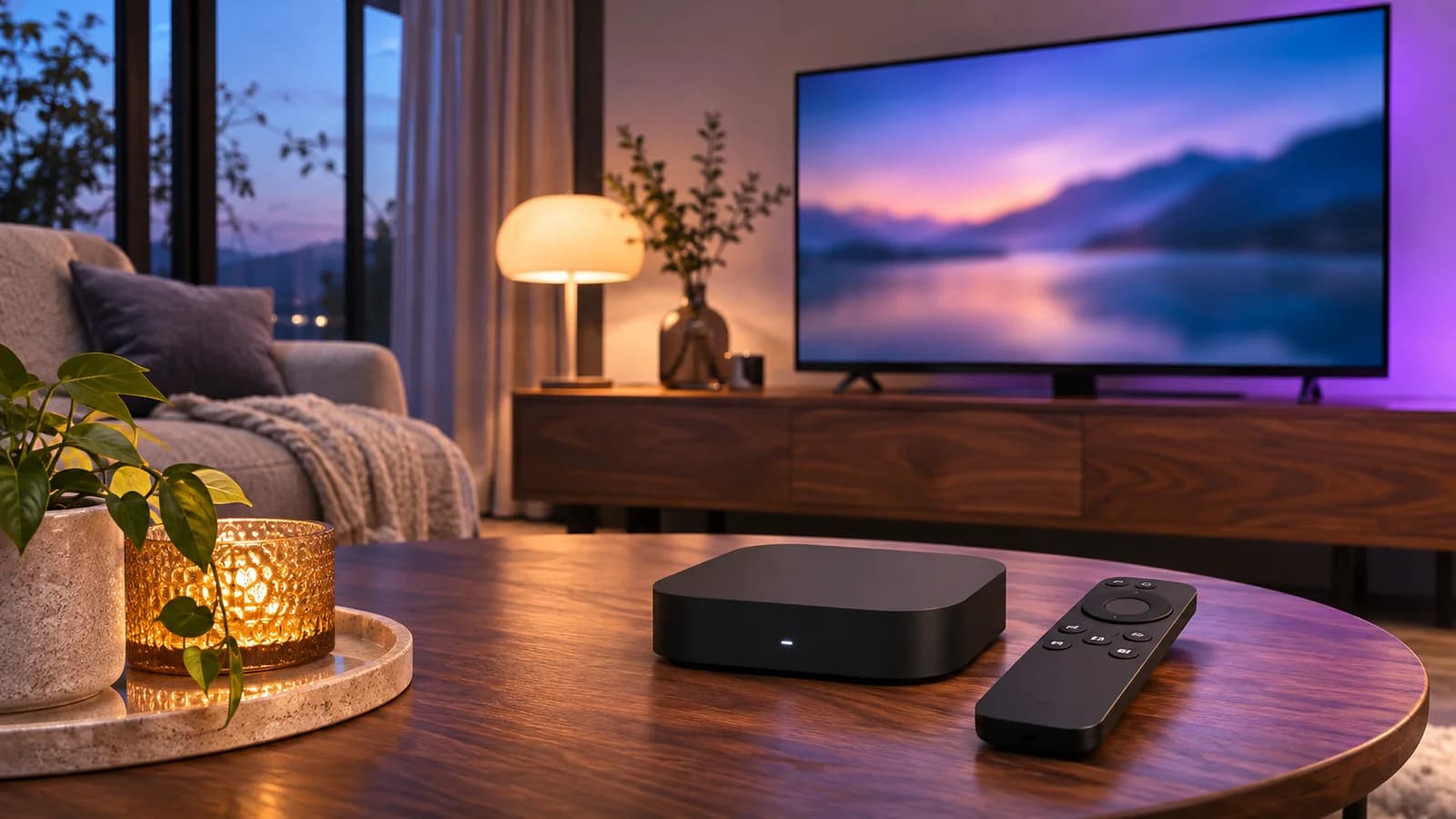
Start by telling our team the device you use, the country where you watch, and the channels that matter most. If you have several screens, say how many people need to watch different programs at the same time. This keeps the conversation focused on a setup you can actually use and helps us identify any compatibility question before you choose a plan.
The next step is confirming the supported player and trial details. Use the official store or documented installation source for the application. Keep your login credentials private and follow the instructions for the correct login method. A username-and-password login, a playlist address and a device-registration screen are different things; if you are unsure, ask before copying details into the wrong fields.
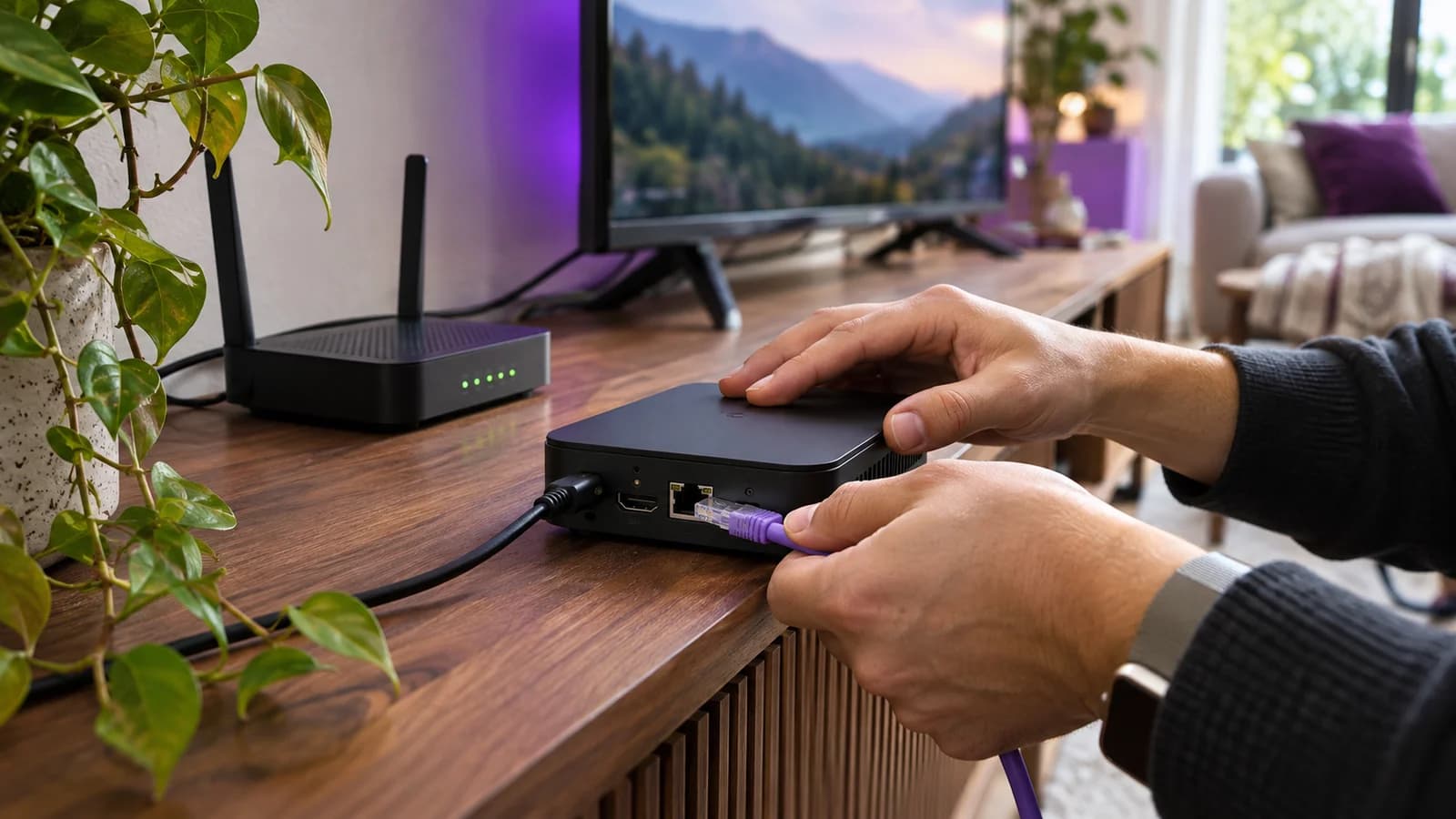
Once the account loads, open a known channel, check sound and subtitles, and create a small favorites list. Try the guide, then close and reopen the app. Test on the connection and television you intend to keep. If there is a problem, send the channel name, viewing time, device and symptom. Leave passwords and full playlist links out of public screenshots.
After checking the experience, choose a subscription term and device option. Review the prepaid total and the refund and renewal terms. Our installation tutorials remain available if you want to revisit the setup later. Keep a note of the player name and support contact so replacing or resetting a device does not mean starting from memory.